
Turn Any Photo Into a Song
Upload a photo and InstaSong writes a real song about it. Not background music that vaguely matches the mood of the picture, an actual song with sung lyrics about the people, the place and the moment in your shot. Our AI reads the faces, the setting, the colours and the story in your image, writes the words, performs them with studio quality vocals, and hands back a finished track in about a minute. Your photo becomes the cover art automatically, so what you get is a complete release: artwork, lyrics and audio, ready to share, gift or post.
Free to try · 3 credits on signup · No credit card required
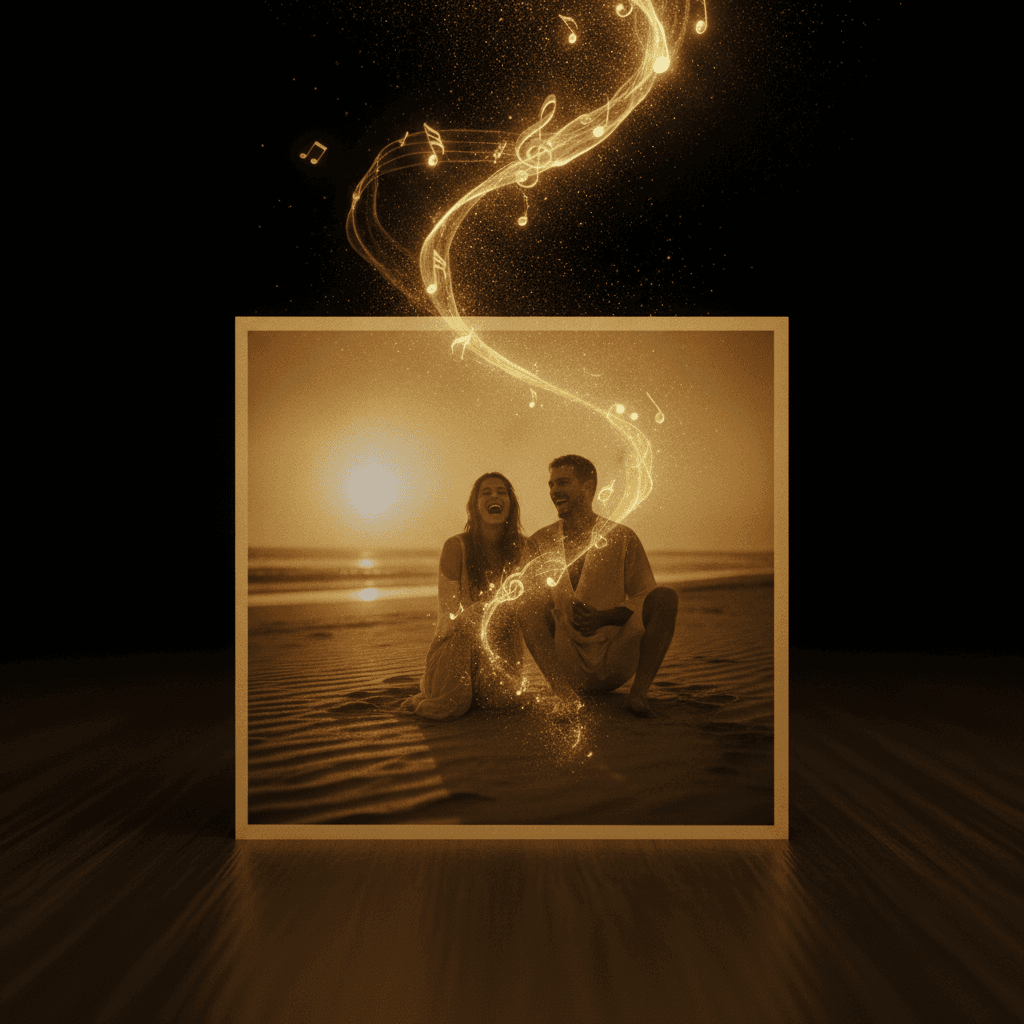
What is a photo to song generator?
A photo to song generator takes an image you upload and turns it into music. Most tools in this category stop at mood matching: they scan the colours and the energy of the picture and return an instrumental bed that feels roughly right underneath it. Useful for a video edit, but the song is not really about anything.
InstaSong works differently. Your photo is passed to the model as part of the brief, alongside any style you pick, and the model writes lyrics from what it can actually see. A picture of two friends on a beach at sunset becomes a song about that friendship and that evening. A photo of a dog asleep on a sofa becomes a song about that dog. The words come back sung, in the voice you chose, over production that fits the genre you asked for.
That is the difference between a soundtrack for a photo and a song about a photo, and it is the reason people use InstaSong for gifts, anniversaries and memorials rather than only for content backing tracks.
What you get from one photo
Everything below comes out of a single upload. You can steer any of it, or upload and let the model decide.
Lyrics written from the image
The model reads the subject, setting, colours and mood of your photo and writes verses and a chorus about what it sees, rather than generic lines that would fit any picture.
Real sung vocals
A full vocal performance, not a robotic read. Pick the voice, the range and the texture, or leave it open and let the model match the feeling of the photo.
Your photo as the cover
The image you upload is saved as the artwork for the finished song, so the track looks like a release the moment it lands in your library.
Any genre you want
The photo carries the story, you carry the sound. Ask for an acoustic ballad, a trap beat, lo fi, gospel, country or synth pop and the same photo comes back completely different.
Studio quality production
Arrangement, backing vocals, mixing and mastering are handled for you. The output is a finished track, not a loop or a sketch you have to build on.
Ready in about a minute
From upload to a playable song is roughly sixty seconds. Long enough to make a card, short enough to make three versions and pick the best one.
Lyrics that are actually about your photo
This is the part most image to music tools skip. When you upload a picture to InstaSong, the image itself reaches the model, not just a mood label extracted from it. The model works from what is in frame: who is there, where they are, the time of day, the weather, the colours, the small details that make the shot yours.
In testing, a photo with a violet and gold palette came back with a chorus built around those exact colours, without a single word of the prompt mentioning them. That is the level of specificity you are getting. It is why the songs land as gifts: the person receiving it can hear their own moment in the words.
You can still write the brief yourself. Add a style of music and the model keeps the story from the photo while moving the sound wherever you point it.
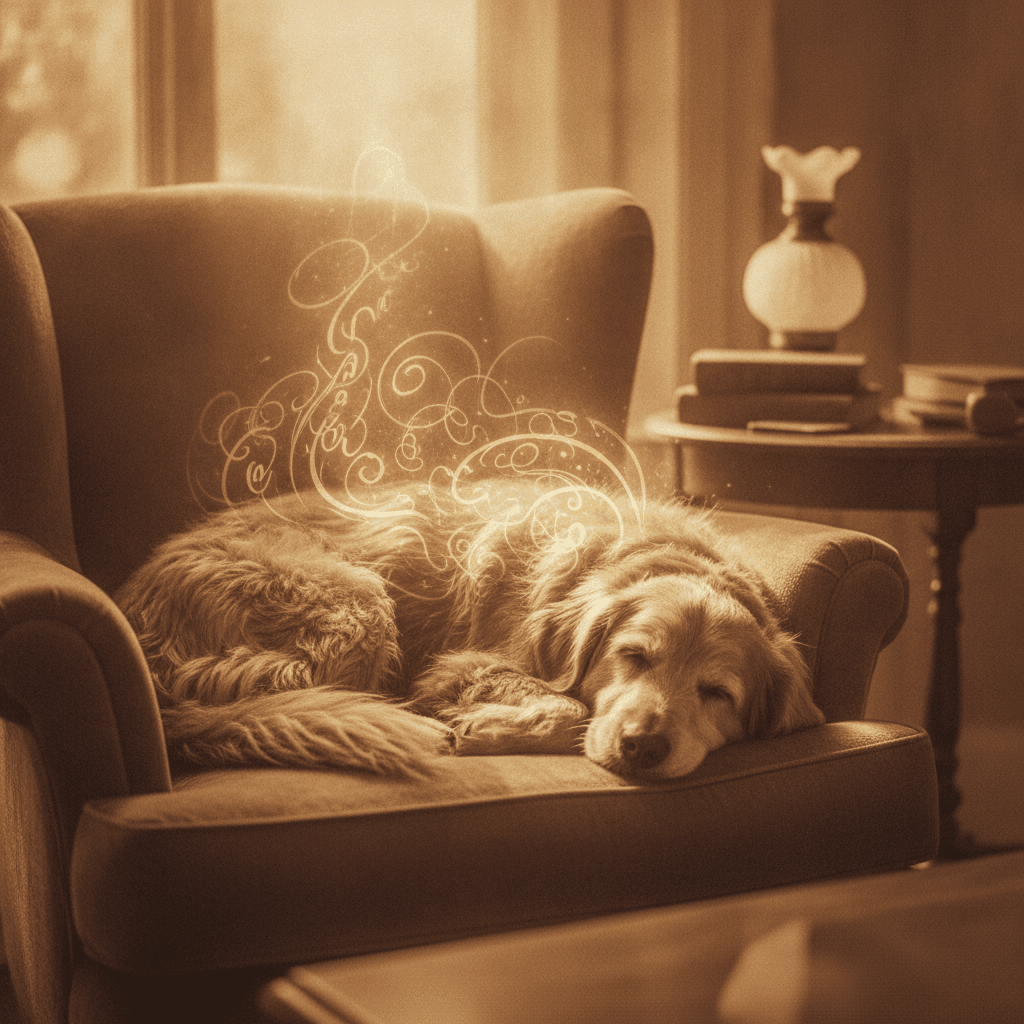
Your photo becomes the cover art
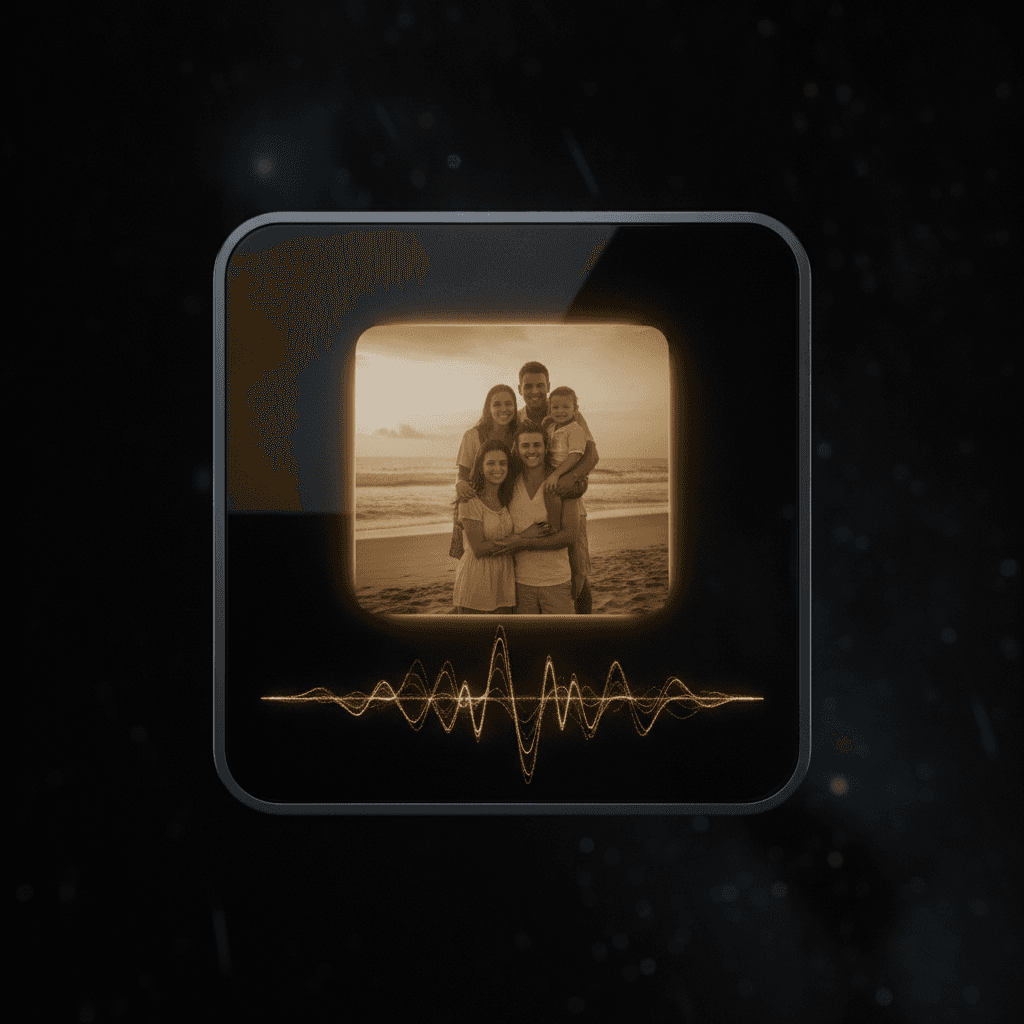
Every song made from a photo keeps that photo as its artwork. There is no second step, no separate cover generator to run and no placeholder image sitting on the track until you fix it.
It matters more than it sounds. A song about your wedding with your own wedding photo on the front is a keepsake. The same song with an AI generated abstract cover is just a file. When you share the track, the artwork is what people see first in the player, in the link preview and in your library.
Songs written from text still get original cover art generated for them, so nothing in your library ever looks unfinished.
Choose the voice that sings it
A song for a grandmother should not sound like a song for a stag do. InstaSong gives you real control over the performance without making you learn a studio.
Pick a female or male vocalist, a duet, or a full choir. Set the vocal range from soprano through to bass. Choose the texture: warm, breathy, soulful, gravelly, raspy, polished or airy. Set the delivery, from laid back to fast paced, confident, emotive, whispered, or rapped. Turn on backing vocals when you want the chorus to lift.
You can also choose the language. InstaSong sings in English, German, Spanish, French, Hindi, Japanese, Korean and Portuguese, so a photo from a trip can come back as a song in the language of the place it was taken.
How to turn a photo into a song
Three steps, no music software and nothing to install. You need a photo and an idea of the sound you want.
Upload your photo
Open the create page, switch to the From photo tab and drop in a JPG, PNG or WebP. Faces, places and pets all work. Clear, well lit shots give the model more to write about.
Choose the sound
Set a style of music, then pick a voice if you want one: female or male, the vocal range, the texture and the language. Leave any of it on Any and the model chooses for you.
Get your song
Press create. About a minute later the finished track appears in your library with lyrics, artwork and audio, ready to play, download or share.
You already have the photo
Upload it and hear what it sounds like. Free to start, no card required.
Try InstaSong for freeAvailable on web, iOS coming soon. No credit card required.
Photos people turn into songs
Almost any photo works, but these are the ones that come back best, because there is a story in the frame for the model to write about.
Anniversary and wedding photos
A song about the day, with the photo from the day on the cover. The most requested use of the feature, and the one that reliably makes people cry.
Pets
Dogs, cats, horses, the lot. The model picks up breed, colouring and whatever ridiculous position they were asleep in, and writes accordingly.
Travel and holiday shots
A beach, a mountain, a city street at night. Pair it with the language of the country and you have a souvenir that no gift shop sells.
Graduations and milestones
Caps in the air, first days, last days, new jobs. Celebration songs that name the specific achievement rather than a generic congratulations.
New babies
Turn the first photo into a lullaby. Set the voice to soft and breathy, the tempo to slow, and keep it for the christening video.
Group and family photos
Reunions, team photos, the annual Christmas shot. A song about everyone in the frame, played at the next gathering.
In memory
A photo of someone you have lost, turned into a song about them. Choose a gentle voice and a slow tempo for memorial slideshows and services.
Art, brands and products
A painting, a logo, a product shot or a mood board becomes a theme tune. Useful for launches, shop videos and social campaigns that need something nobody else has.
Old family photographs
Scan a photo from decades ago, set the era to match, and get a song that sounds like it came from the same year the picture was taken.
Why make a song from a photo with InstaSong
It writes, it does not just match
Other image to music tools return an instrumental that fits the mood. InstaSong returns a song with words about what is in your picture.
No musical skill needed
No DAW, no plugins, no theory. If you can send a photo in a message, you can make a song from it.
Free to start
You get 3 credits when you sign up, with no card required, which is enough to try several different photos and styles before you decide.
A finished thing, not a stem
Lyrics, vocals, arrangement, mix and artwork all arrive together. Download it, send it, or post it straight from your library.
Private when you want it
Songs made from personal photos can be kept private to your account on any paid plan or with addon credits, so a family photo never lands in a public feed.
Endlessly repeatable
The same photo in a different genre is a completely different song. Make the ballad and the club remix of the same moment and keep both.
Frequently asked questions
Sign up for InstaSong, open the create page and switch to the From photo tab. Upload a JPG, PNG or WebP, optionally pick a style of music and a voice, then press create. Your finished song appears in your library in about a minute with the photo set as its cover art.
Making songs from pictures, explained properly
The idea of turning a photograph into music is not new. Composers have written to images for as long as film has existed, and the practice of scoring a still frame is a standard exercise in music education. What has changed is that the process no longer needs a composer, a session singer, a studio and a week of calendar time. A photo to song generator compresses that entire chain into a single upload, and the quality of the result now sits close enough to a human production that most listeners do not question it.
The tools competing for this search term mostly work the same way as each other. They analyse an image for its dominant colours, its brightness, its busyness and sometimes its recognisable objects, then map those signals onto musical parameters: warm colours to major keys, high contrast to faster tempos, open landscapes to sparse arrangements. The output is an instrumental that sits comfortably underneath the picture. For a slideshow, a product video or a social clip, that is genuinely all you need, and those tools do it well.
InstaSong is aimed at a different job. When the reason you are making the song is the photo itself, a mood matched instrumental is not enough, because it could have been generated from any picture with a similar palette. What people actually want when they upload a photo of their grandmother, their dog or their wedding day is a song that names the thing in the picture. That requires the image to reach a model capable of writing language from it, not just a colour histogram feeding a parameter map.
That is how the feature is built. Your photo travels with the brief to the InstaSong music model, which reads the image and the text together and composes from both. The lyrics come out specific: the setting, the relationship, the time of year, the details you would have mentioned yourself if you had been the one writing. The vocal performance, the arrangement, the backing vocals and the final mix are produced in the same pass, so what returns is a finished record rather than a stem you would need to assemble.
The controls sit on top of that. Because a photograph carries subject and mood but says nothing about genre, the style of music field is where you decide whether the moment sounds like an acoustic ballad, a drill track, a gospel choir or a synth pop single. The voice and sound controls then decide who sings it: the gender, the vocal range from soprano to bass, the texture from breathy to gravelly, the delivery, the era of the production, the tempo, and whether backing vocals answer the lead in the chorus. Eight languages are available, which turns a holiday photograph into a souvenir in the language of the place it was taken.
Practically, the best results come from photographs with something legible in them. A face, a landmark, an animal, a celebration. The model writes from what it can identify, so a well lit picture of two people at a specific place produces far sharper lyrics than a dark, cropped, motion blurred frame. Beyond that there is little to get wrong. Upload, choose a sound, and listen. Because a credit buys a whole song and the turnaround is about a minute, the honest advice is to make three versions of the same photo in three different genres and keep whichever one makes the room go quiet.
The photograph you upload also becomes the artwork, which matters more than it sounds. A song is a file until it has a cover, and a cover that is the actual photo turns the file into a keepsake. It is the difference between sending someone a track and sending someone their own moment, set to music, with their own picture on the front.
Pick the sound for your photo
Your photo supplies the story. These pages cover the styles it can be told in.
Love song generator
Pair an anniversary photo with a love song about the two of you.
Wedding song generator
Turn a photo from the day into a first dance or a reception track.
Birthday song generator
A personalised birthday song with their own photo on the cover.
Lullaby generator
Make the first baby photo into a soft, slow lullaby to keep.
AI rap generator
Same photo, completely different energy. Bars instead of ballads.
All song styles
Browse every genre InstaSong can write and perform in.
Simple pricing
Start free, upgrade when you need more
Basic
For casual creators
billed annually at $90/yr
- 600 credits / year (600 songs)
- Full songs (3mins)
- Private songs
- MP3 and WAV downloads
- Stem separation
- Full commercial use
- No watermarks
Pro
For serious creators
billed annually at $290/yr
- 2160 credits / year (2160 songs)
- Full songs (3mins)
- Private songs
- MP3 and WAV downloads
- Stem separation
- Full commercial use
- No watermarks
- Priority generation
Studio
For power users & professionals
billed annually at $490/yr
- 3840 credits / year (3840 songs)
- Full songs (3mins)
- Private songs
- MP3 and WAV downloads
- Stem separation
- Full commercial use
- No watermarks
- Priority generation
- Early access to new features
All plans start with 3 free credits. No credit card required to sign up.
Every paid plan includes full commercial use, no watermarks, MP3 and WAV downloads, and stem separation. Free plan songs are MP3 and personal use.
Turn your photo into a song
Free to try. 3 credits on signup. No card required.
Try InstaSong for freeAvailable on web, iOS coming soon. No credit card required.